Your menu deserves better than a PDF.
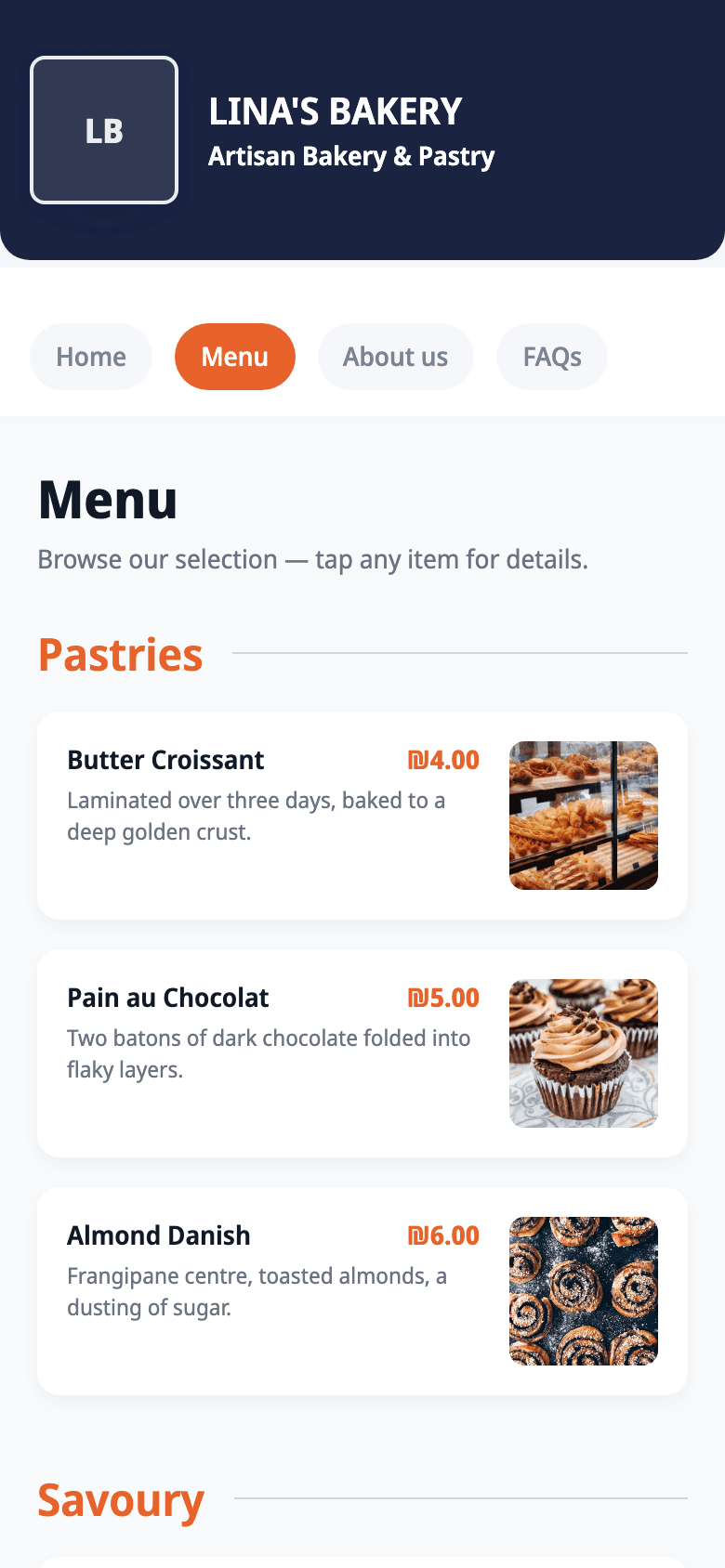
Photograph your paper menu and Carder turns it into a browsable page with hours, directions and order buttons, all behind one link and one QR code.
Sound familiar?
The PDF menu problem
Prices changed months ago, but the PDF in your bio didn't. Customers zoom, squint, and give up.
“Are you open?”
Your phone rings all day with questions your site should answer, hours, location, parking, delivery.
Links everywhere
Wolt here, Instagram there, phone number somewhere. Every extra tap loses a hungry customer.
Built for how restaurants actually win customers.
- Menu OCR: photograph it, publish it (Business plan)
- Table & counter QR codes, print-ready
- Hours with holiday overrides
- One-tap order buttons: WhatsApp, phone, delivery apps
- Arabic menus generated in proper RTL
Do I retype my whole menu?
No, upload a photo of your printed menu and Carder reads items, prices, and categories automatically. You review, fix anything, publish.
Can customers order through the site?
The site routes orders to where you already take them: WhatsApp, phone, or your delivery apps. No new system to learn.
What about my Arabic menu?
Describe it in Arabic and the AI generates your menu in Arabic with proper right-to-left layout and typography, not a bolted-on translation.
Ready to see yours?
One sentence, thirty seconds, and your bio finally has a link worth tapping.